
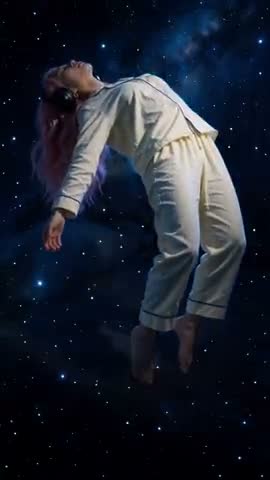
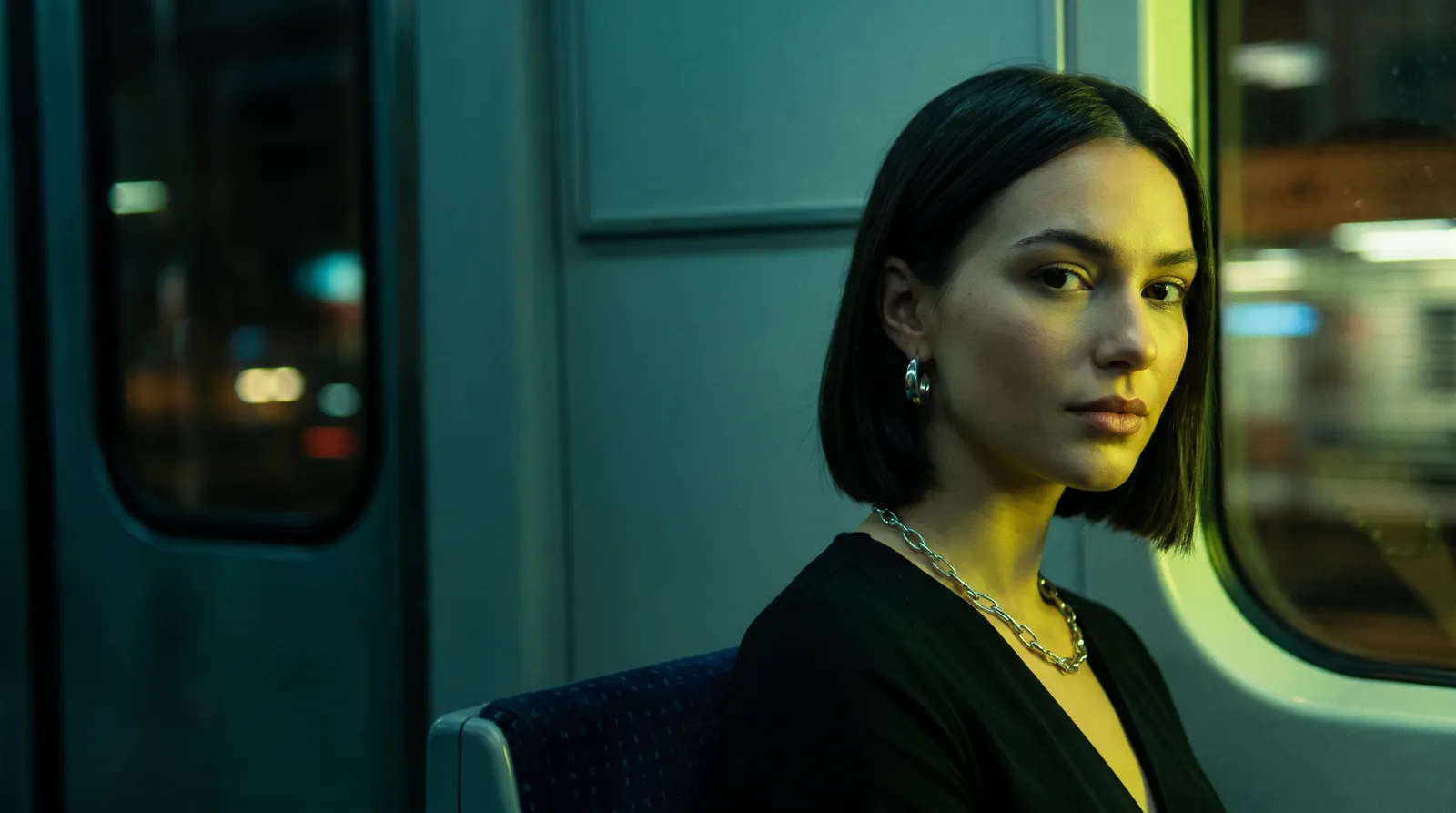
GENERATION
Photo and video in one studio
Strong video and photo models on one balance. Each one shows its price before you press Generate.
AI STUDIO · PHOTO + VIDEO
Upload a photo, pick a model, take the photo or the clip. Then run the video through AI‑Viral and see what to fix before you post it.
GENERATION
Strong video and photo models on one balance. Each one shows its price before you press Generate.
One photo and a prompt — or a movement copied from a reference clip. Length and resolution depend on the model you pick.
Generate a still from a description or edit your own shot: the scene, the outfit, the light.
Upload a shot and the close-up of the face is found and added to the references by itself, so the model does not swap the person.
AI-VIRAL
Upload a clip you have not published yet. AI‑Viral scores it, breaks it down and lists what to fix — before anyone else sees it.
One number for how ready the clip is to travel, weighed on the metrics that decide it.
What holds attention and where people scroll away, metric by metric.
Concrete edits to make before you post, not general advice.
FAQ
Most clips take a minute or two; copying a movement from a reference clip takes up to about five. You can close the tab — the result waits in your library.
Your own, or someone who has agreed to it. Uploading a public figure, a stranger, or anyone under 18 is not allowed and gets the account closed. We check uploads and we do not keep your source photo after the render finishes.
Yes. Upload an MP4 up to 50 MB and up to 15 seconds — anything longer or heavier is turned away before it uploads, so trim it first. The person in it only has to be visible from head to knees: what gets copied is the movement, not the face or the background.
Two ways, and they are not the same thing. Hand us the clip as a reference and a motion model copies its movement onto your face frame by frame. Or press "Prompt from a clip" in the lab: a model watches it once and writes down the camera, the light and the motion as a prompt, for under a credit — then that prompt works on any model, at any length, without the clip. The second way never copies a face, a brand or on-screen text, and it says which of those it left out.
The credits go straight back to your balance, automatically, no ticket required. Failures are rare but real — a very dark or heavily obscured face is the usual cause, so a front-lit photo is worth the extra minute.
Yes. Clips you render are yours to post, advertise with, or sell, on any platform. We ask only that you keep to the rule above about whose face is in them.
No. There is no subscription, no monthly reset and no expiry date. Buy ten dollars of credits, use them next March if that is when you need a clip.